

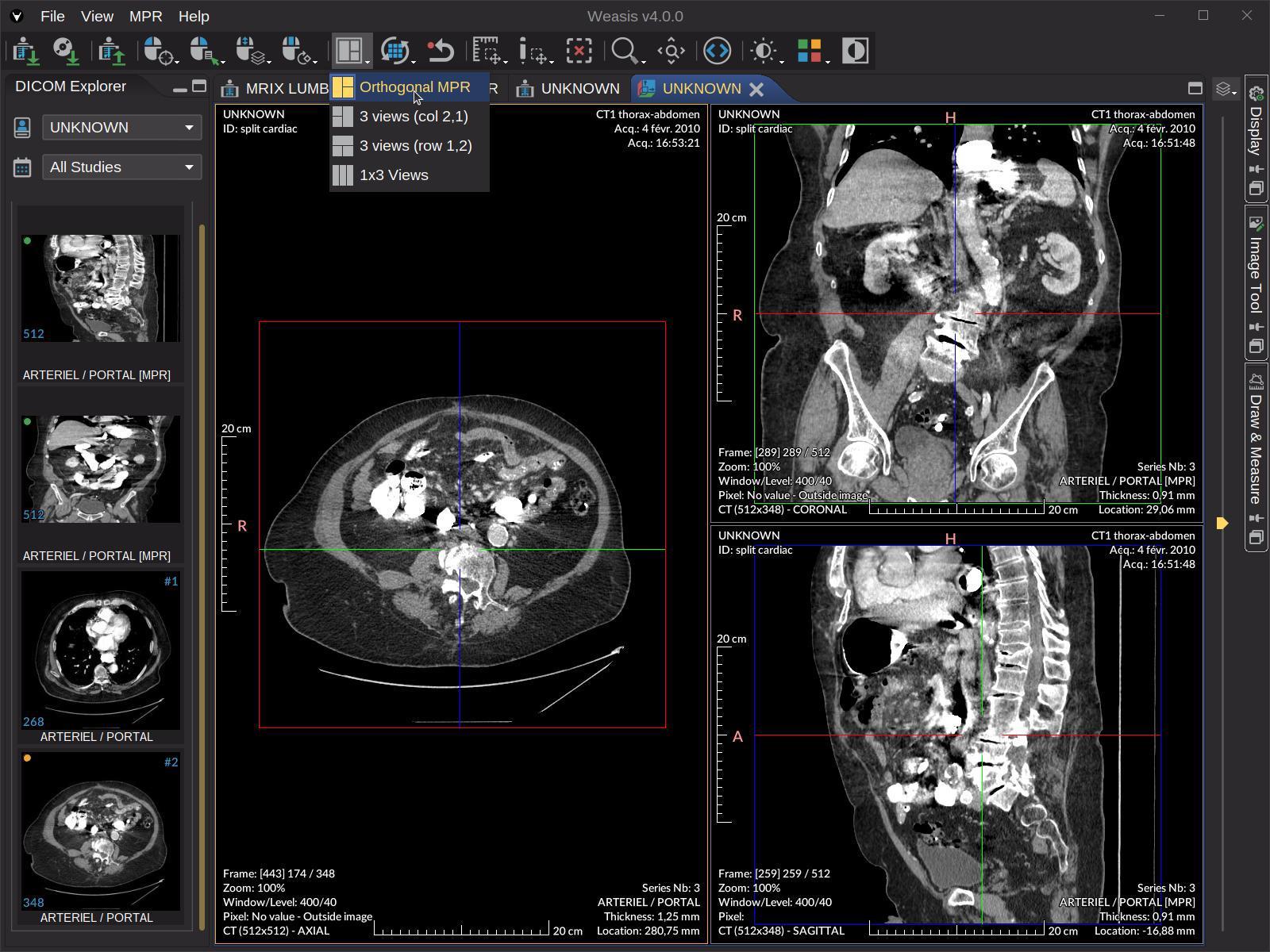
Medical imaging applications need reliable tools to display patient scans. When you’re building healthcare platforms, you’ll eventually need to work with a DICOM viewer library that can handle complex medical images without slowing down your application.
The challenge? Making these viewers work smoothly with modern frameworks while keeping your interface responsive.
What Makes DICOM Integration Different?
DICOM files aren’t like regular images. They contain metadata, multiple frames, and sometimes gigabytes of data. When you load these files in a browser, you risk freezing the entire interface if you don’t handle them correctly.
Most developers face three common problems: performance bottlenecks during parsing, UI thread blocking, and memory management issues.
You can solve these by using Web Workers to process data in the background and OffscreenCanvas to render images without touching the main thread.
Modern frameworks like React, Vue, and Angular each have their own patterns for handling heavy computational tasks. You need to understand how each framework manages state and rendering before you integrate medical imaging capabilities.
Setting Up Your Development Environment
Before you write any code, install the necessary dependencies. Most DICOM libraries work with standard npm packages, so you can add them to any JavaScript project.
For React projects, you’ll typically run npm install commands for the DICOM parser and any rendering utilities. Vue and Angular follow similar patterns, though Angular sometimes requires additional TypeScript definitions.
You’ll also need to configure your build tools to support Web Workers. Most modern bundlers like Webpack and Vite have built-in support, but you might need to adjust your configuration files to handle worker scripts properly.
How React Handles DICOM Data
React’s component-based architecture works well with medical viewers. You can create a component that manages the DICOM file loading, another for rendering, and a third for handling user interactions like zooming or measuring.
The key is using useEffect hooks to initialize your worker threads when the component mounts.
You don’t want to create new workers on every render—that would waste resources and slow down your app.
Here’s what the data flow looks like:
| Step | Action | Performance Impact |
| 1 | User uploads file | Main thread handles file selection |
| 2 | Worker receives file | Zero impact on UI |
| 3 | DICOM parsing begins | Background processing |
| 4 | Image data returns | Main thread updates canvas |
When you receive parsed data from your worker, store it in state using useState or useReducer.
React will then re-render your canvas component with the new image data. You should avoid storing raw ArrayBuffers in state—convert them to usable formats first.
Vue Implementation Patterns
Vue’s reactivity system handles DICOM data differently than React. You can use the Composition API with ref and reactive to manage your viewer state, which gives you fine-grained control over what triggers re-renders.
Create a composable function that encapsulates all your DICOM logic. This keeps your components clean and makes the viewer reusable across different parts of your application.
Inside this composable, you’ll initialize your Web Worker and set up message handlers.
Vue’s lifecycle hooks like onMounted and onUnmounted are perfect for managing worker cleanup. You must terminate workers when components unmount, or you’ll create memory leaks that slow down the entire browser tab.
The reactivity system automatically updates your canvas when image data changes, but you need to be careful with large datasets. Use shallowRef for binary data to prevent Vue from creating deep reactive proxies that consume unnecessary memory.
Angular’s Approach with Services
Angular developers should create a dedicated service for DICOM operations. This service instantiates the Web Worker, handles communication, and provides observables that components can subscribe to.
You can inject this service wherever you need DICOM functionality. Angular’s dependency injection makes it easy to share a single worker instance across multiple components, which improves performance compared to creating separate workers.
Use RxJS operators to transform the data stream from your worker. The switchMap operator is particularly useful when users load multiple files quickly—it cancels previous requests automatically, preventing your app from processing outdated data.
TypeScript gives you type safety throughout your implementation. Define interfaces for your DICOM metadata and parsed image data. This catches errors during development rather than in production.
Web Workers for Background Processing
Web Workers run JavaScript in separate threads, which means they can’t access the DOM directly. This limitation is actually beneficial for DICOM processing because it forces you to separate data parsing from rendering.
Your worker script receives the DICOM file as an ArrayBuffer, parses it using your chosen library, and sends back the processed image data. The main thread never freezes because the heavy lifting happens elsewhere.
Communication between threads uses the postMessage API. You send data to the worker, it processes the request, and posts a response back. Keep these messages as small as possible—transferring large amounts of data between threads takes time.
For optimal performance, use Transferable objects when sending ArrayBuffers. This moves the data instead of copying it, which saves memory and reduces transfer time to nearly zero.
OffscreenCanvas Rendering Techniques
OffscreenCanvas lets you render graphics in a worker thread. This is incredibly useful for medical imaging because rendering thousands of pixels can block the UI thread for noticeable periods.
Not all browsers support OffscreenCanvas yet, so you need a fallback strategy. Check for support with a simple typeof OffscreenCanvas !== ‘undefined’ condition, then use traditional canvas rendering when it’s unavailable.
The performance difference is substantial. Applications using OffscreenCanvas maintain 60 FPS even while rendering large CT scans, while traditional approaches often drop to 20-30 FPS during the same operations.
Performance Optimization Table
| Technique | Load Time Improvement | FPS During Rendering |
| Main thread only | Baseline | 20-30 FPS |
| Web Workers | 40% faster | 40-50 FPS |
| Web Workers + OffscreenCanvas | 60% faster | 55-60 FPS |
Memory Management Considerations
Medical images consume significant memory. A single high-resolution CT scan might require 100+ MB of RAM when fully loaded. You can’t keep dozens of these in memory simultaneously.
Implement a caching strategy that stores only the currently viewed image and perhaps one or two adjacent slices. Release memory for images that users haven’t viewed recently using manual cleanup functions.
Monitor memory usage during development with browser dev tools. Look for patterns where memory keeps climbing without dropping—these indicate leaks that you need to fix before deployment.
When users switch between different studies or series, explicitly clear old data from memory. JavaScript’s garbage collector will eventually clean up, but triggering cleanup manually gives you more predictable performance.
Handling User Interactions
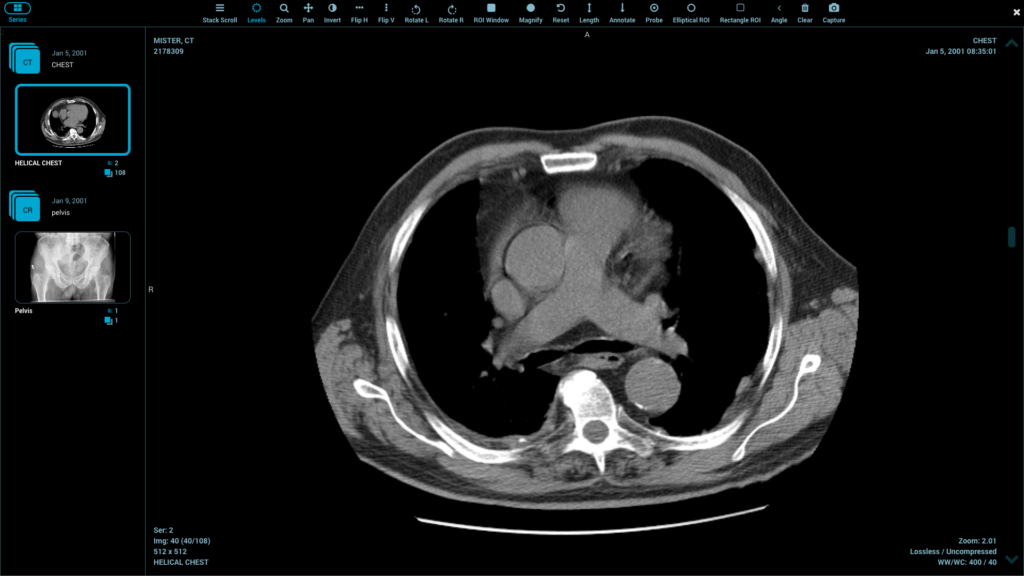
Medical viewers need tools for measuring distances, adjusting contrast, and annotating images. These features require careful state management to stay responsive.
Store tool state separately from image data. When users select the measurement tool, you only need to update a small piece of state, not re-process the entire image. This keeps interactions snappy even with large files.
Canvas event listeners should use throttling or debouncing for mouse movements. Without these techniques, your event handlers fire hundreds of times per second, wasting CPU cycles on redundant calculations.
Integrating a DICOM viewer library into modern frameworks requires understanding both medical imaging requirements and JavaScript performance optimization.
When you combine Web Workers for processing with OffscreenCanvas for rendering, you create responsive applications that handle even the largest medical datasets smoothly.
Each framework has its own patterns, but the core principles remain the same: keep heavy work off the main thread and manage memory carefully.
This guide covers Web Workers, OffscreenCanvas, and practical implementation steps you can follow today.